Free Analytics Tools Every Creator Should Know About
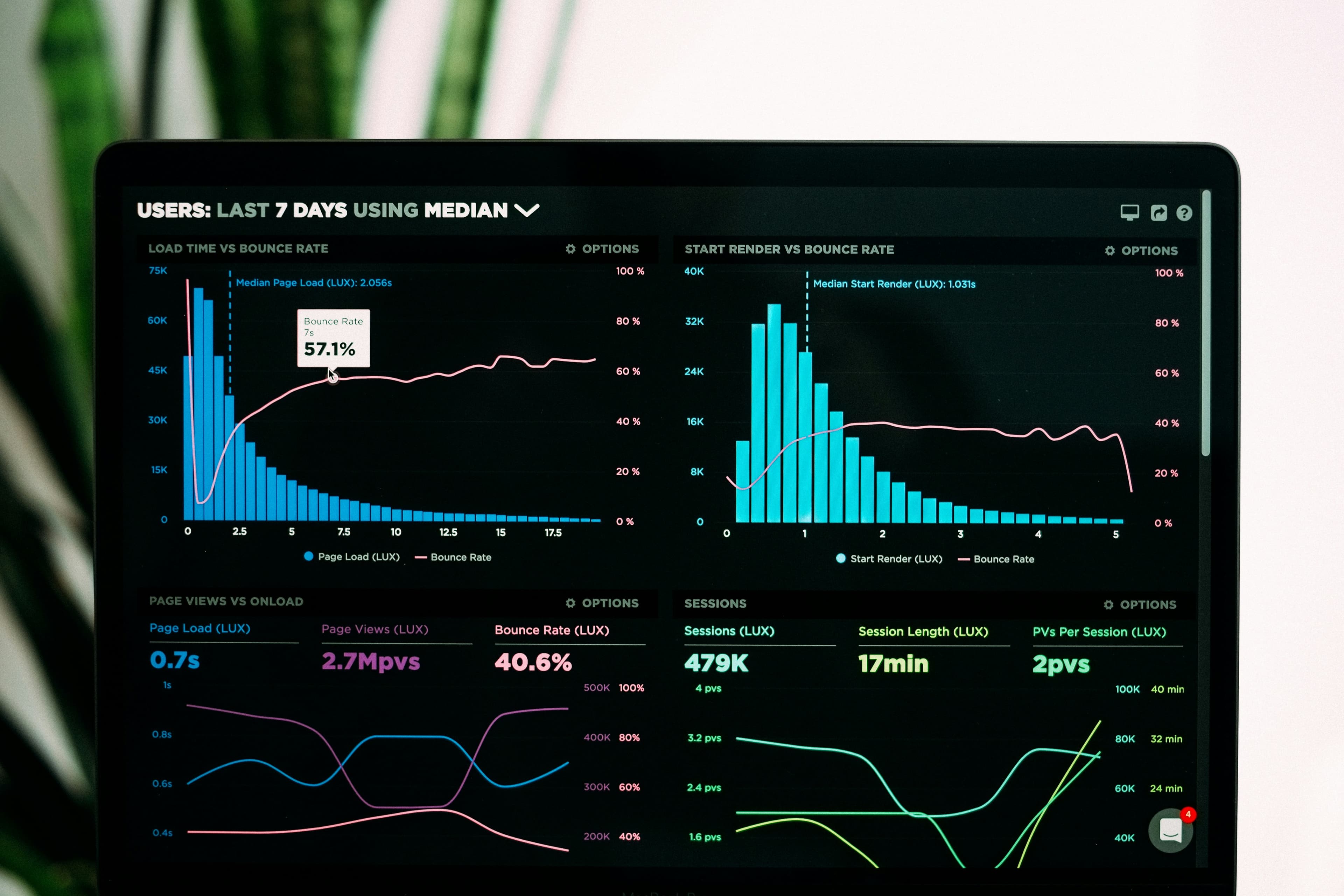
Data-Driven Growth Without the Price Tag
Many creators fly blind — posting content without understanding what works, who their audience is, or how they compare to competitors. The common excuse is that analytics tools are expensive. The reality? Some of the most powerful analytics tools for creators are completely free. Here is your complete toolkit.
Platform-Native Analytics (Free)
The most underused analytics tools are the ones built directly into every platform:
Instagram Insights
Available for Professional and Creator accounts (free to switch). Provides:
- Audience demographics: age, gender, top cities, and countries
- Per-post performance: reach, impressions, saves, shares, and profile visits
- Story analytics: views, replies, exits, and navigation taps
- Reel analytics: plays, accounts reached, likes, comments, saves, and shares
- Best posting times based on when your specific audience is online
Pro tip: Check Insights weekly and track your top 3 metrics in a simple spreadsheet. Patterns emerge after 4-6 weeks of consistent tracking.
YouTube Studio Analytics
YouTube Studio is arguably the most powerful free analytics tool available to any creator on any platform. Key features:
- Audience retention graphs showing exactly when viewers drop off
- Click-through rate on thumbnails and titles
- Traffic sources: search, suggested, browse, external
- Real-time performance monitoring
- Revenue analytics for monetized channels
TikTok Analytics
Accessible through TikTok Pro accounts (free). Highlights include:
- Video view trends over 7, 28, or 60 days
- Audience territories and activity times
- Trending videos that your followers watched
- Content performance by format type
Third-Party Free Tools
Google Analytics (Free)
If you have a website, blog, or landing page, Google Analytics provides detailed data on visitor behavior. For creators, the most valuable reports are traffic sources (which platforms send the most visitors) and conversion tracking (which content drives email signups or product purchases).
Social Blade (Free)
Social Blade tracks public statistics for YouTube, TikTok, Instagram, and Twitch. It provides:
- Follower/subscriber growth history for any public account
- Estimated monthly earnings for YouTube channels
- Competitor benchmarking and ranking
- Growth projections based on current trends
Use Social Blade to track your own growth over time and benchmark against creators in your niche.
Not Just Analytics (Free Tier)
Specifically for Instagram, Not Just Analytics provides a free audit of any public profile including engagement rate calculation, follower authenticity score, and best-performing content analysis. This is useful for both self-assessment and for evaluating potential collaboration partners.
Building a Free Analytics Dashboard
You do not need a paid tool to centralize your data. Create a simple Google Sheet with tabs for each platform. Update weekly with your key metrics: follower count, average engagement rate, top-performing content, and audience growth. After 3 months, you will have a clear picture of what is working and where to focus your energy.
When to Upgrade to Paid Tools
Consider paid analytics tools when you need: cross-platform reporting in one dashboard, competitor analysis beyond what Social Blade offers, automated reporting for brand partnership pitches, or team collaboration features. Until then, the free tools listed above provide everything a growing creator needs.
Comments
No comments yet. Be the first to share your thoughts.